Open Source 3D Projection Mapping Software: Free vs Paid
Key takeaways
- Free open source tools like Blender handle single-projector warping and playback on flat surfaces, but lack lens databases, edge-blend simulation, and media server export formats.
- Permanent multi-projector installs on curved surfaces or domes generally require a paid planning tool for coverage simulation and validated warp layouts.
- THROXEL is the cheapest paid entry point at EUR 29/month or EUR 290/year, machine-bound with a 7-day trial, covering geometry and 3D validation but not warp, blend, or playback.
- QLab is a show control and cueing layer, not a projection planning tool, so it cannot replace upstream geometry design and pre-install validation.
- The hidden cost of free tools is rework: one avoided site visit for re-aiming can exceed a year of a paid subscription.
Short answer: genuinely free open source 3D projection mapping software can handle basic single- and dual-projector warping and playback, but permanent multi-projector installs with edge blending, curved surfaces, and media server handoff usually push you toward paid tools or paid planning workflows. This guide scores the free options against paid licenses on output resolution, warp/blend support, integration, and total cost of ownership, so you know where "free" stops being free before showtime.
What can open source 3D projection mapping software actually do that paid tools can't?
Open source wins on three things: zero licence cost, full transparency, and the ability to script or hack the pipeline to fit unusual rigs. Paid tools win on support, pre-show validation, and handoff to media servers. The honest comparison set is free tools, VIOSO Experience Designer, Disguise Mapping Matter, VIOSO ProjectionTools, and the spreadsheet-plus-manufacturer-PDF-calculator status quo most freelancers still run.
The three jobs projection mapping software actually does
Any tool in this space does three jobs: model the projection geometry (throw distance, throw ratio, lens shift), simulate coverage and overlap across the projector array, and export warp and blend setups to your media server. How well each tool does job three determines whether load-in is a checklist or a firefight.
Where the free tier genuinely competes
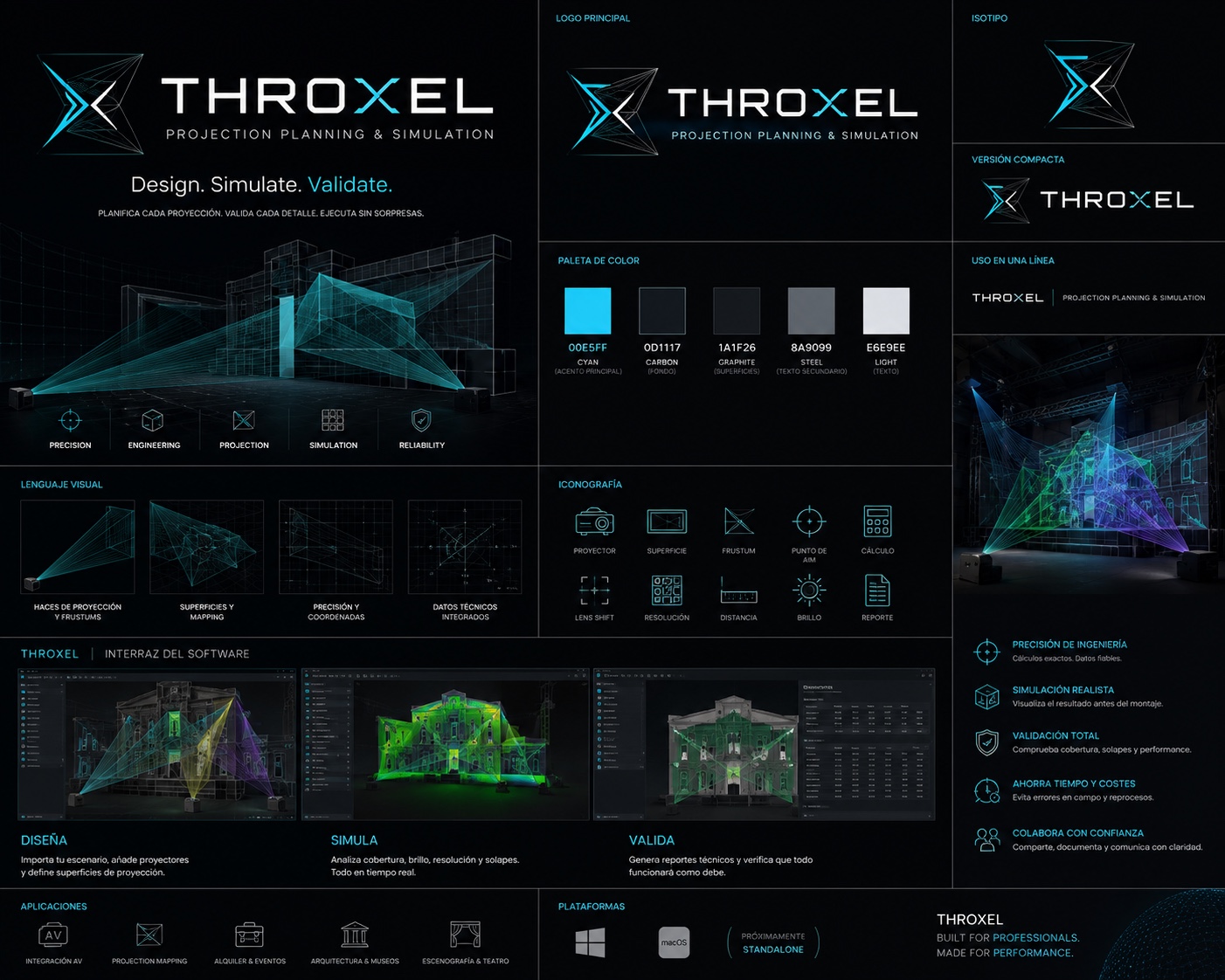
For single-projector or simple flat arrays, free tools like Blender model geometry precisely and cost nothing. Where they fall short is validation: no lens database, no edge-blend simulation, no export your media server trusts. THROXEL covers geometry, 3D simulation, and pre-load-in validation for EUR 29/month, machine-bound, with a 7-day trial.
Which free projection mapping tools do Reddit users recommend for permanent installations?
One-off shows vs permanent installs: different tool classes
Community threads on projection mapping software reddit discussions tend to split recommendations by use case. For one-off art projections and building gigs, the names that come up most are free or donation-based tools fine for a single projector and a static surface. For permanent installs, the advice shifts: operators point toward commercial simulation and design tools like VIOSO Experience Designer, Disguise Mapping Matter, and VIOSO ProjectionTools, or toward planning the array yourself before handing it to Disguise Designer.
The recurring failure pattern in community threads
The complaint pattern repeats: the free tool has no warp and blend, no edge blending with adjustable overlap, and no support channel when calibration drifts on site. You fall back to spreadsheets and manufacturer PDF calculators for throw distance and lens ratio. We built THROXEL (EUR 29/month, 7-day trial) to close that gap; we track our own thinking on the THROXEL blog.
How do open source tools handle edge blending, warping, and multi-projector setups?
Warp and blend: what 'supported' means in practice
Most free tools can warp and blend a handful of projectors on a flat wall. The gap shows up when geometry gets non-trivial: curved surfaces, domes, or architectural facades where each projector's frustum intersects the surface differently. Paid planning tools like Disguise's Mapping Matter treat warp and blend as a projection problem solved before showtime, not a live tweak on site.
Overlap math and why spreadsheets stop scaling
With two projectors, a spreadsheet and a manufacturer throw calculator work fine. At six projectors with mixed lenses, lens shift limits, and a curved screen, every overlap becomes a function of position, rotation, and lens ratio, and manual math stops scaling. Free tools typically assume you'll eyeball the blend on site; a planning tool computes coverage and overlap per projector before load-in. THROXEL does this simulation-first for EUR 29/month, and honestly, it still requires you to model the room accurately, which free tools skip entirely.
When does 'free' projection mapping software end up costing more than a paid license?
The license is the smallest line item. Free tools often demand a separate render or capture box, a second Windows machine for simulation, or hours of spreadsheet-based throw distance and lens ratio math per projector. Learning time is real: a weekend spent reverse-engineering warp and blend workflows is a weekend not spent on the show file.
The hidden line items: hardware, learning time, rework
Rework is the expensive one. A coverage gap or overlap error discovered on site means a re-hang, a lens swap, or a second truck day. On a freelance day rate, one avoided site visit can exceed a year of a EUR 29/month subscription.
Worked example: a 4-projector curved wall, costed two ways
Manual route: manufacturer PDF calculators per lens, hand-estimated blend overlap, no 3D check. If load-in slips half a day for re-aiming, that alone can cost more than EUR 290/year. THROXEL's route: model the curved wall, simulate the projector array, validate before showtime, and hand the setup to your media server. The paid license wins when it prevents one bad load-in.
The decision matrix: scoring free and paid tools on what actually matters
Scoring criteria and weights
Four criteria, weighted by how often each one sinks an install: warp and blend capability (40%), media server integration (30%), output resolution headroom (20%), and total cost of ownership including learning time and show risk (10%). Score each tool 1-5 per criterion, weight, sum.
The matrix, including THROXEL scored against itself
Honest scoring first: THROXEL is a planning and simulation tool. It scores well on the things that happen before showtime: geometry, throw distance, lens shift, coverage across a projector array, and validating the install in 3D before you leave the shop. It scores 2/5 on warp and blend because it hands geometry to a media server rather than performing warp and blend itself, and it scores 1/5 on playback, since it is not a content or playback tool at all. That is the trade: at EUR 29/month or EUR 290/year, you are paying for fewer surprises on site, not for a replacement to Disguise Designer, PIXERA, or Resolume. Applied to the wider field, the same criteria expose the open source gap: spreadsheet-and-PDF-calculator workflows score near zero on everything except cost, while VIOSO ProjectionTools, VIOSO Experience Designer, and Disguise Mapping Matter score strongest on the simulation side, at a higher price point.
The weighting matters as much as the scores. Warp and blend gets 40% because it is the single most common reason a free workflow fails on site: you can model a room in Blender for nothing, but you cannot hand a media server a validated blend layout without paying for the capability somewhere in the stack. Media server integration gets 30% because a planning result you cannot export is a planning result you will redo by hand at 6 a.m. before doors. Output resolution headroom gets 20% because 4K arrays are now the default for mid-size installs, and total cost of ownership gets 10% only because licence price is the smallest number on the sheet once you count your own hours. If your install is a single projector on a flat wall, invert the weights and the free tier wins outright.
Can you run projection mapping software on an iPad or does it require a dedicated media server?
You can sketch and previsualise on a tablet, but a multi-projector install still runs on a Windows media server at showtime.
Tablet as controller vs tablet as renderer
An iPad works as a second screen or remote control surface next to your media server, but warp, blend, and playback for a projector array demand GPU and output hardware tablets don't carry. Even Disguise positions Mapping Matter as a planning and previsualisation step, not a playback machine. THROXEL follows the same split: plan and simulate on your workstation, hand the validated geometry to the media server on site.
How does QLab's projection mapping capability compare to dedicated open source alternatives?
Show control vs projection planning: different layers
QLab handles show control: cueing video playback, audio, and timing from a Mac during the run of a show. It is not a projection planning tool. It will not model throw distance, throw ratio, lens shift, or projector arrays for a dome or curved surface, and it does not export warp and blend setups to a Disguise or PIXERA machine.
Dedicated planning tools, including THROXEL, sit upstream of the media server: you design the geometry and validate coverage before load-in, then hand the setup to the server. QLab sits downstream, firing cues on showtime.
For a small venue, that means QLab can be the playback and cueing layer, but you still need a separate tool to plan the projection geometry. Treating QLab as a substitute for that layer leaves the pre-install work undone.
What hardware do you need to run open source projection mapping software at 4K?
GPU and output requirements by tool class
Playback, simulation, and planning tools stress different parts of the rig. Playback demands GPU output power: two 4K feeds means a card with at least two DisplayPort or HDMI outputs and enough fill-rate for warp and blend on every pixel. Simulation and planning tools are lighter on outputs but heavier on geometry, since they render the projector array and the surface model in 3D. VIOSO's ProjectionTools, for example, is built around 3D simulation of throw distance, lens ratio, and coverage before you go on site (VIOSO ProjectionTools).
Machine-bound licensing matters here: a licence locked to one machine means the 4K output rig and the planning laptop should not be the same purchase. Check whether your tool ties its licence to hardware before you spec the show machine.
How do you validate a multi-projector install before load-in?
The pre-load-in checklist
Before the truck leaves, you want three things settled: throw distance and lens ratio per projector against the real geometry, coverage and overlap across the array, and a warp/blend layout your media server can accept. Spreadsheet calculators and manufacturer PDFs handle one projector at a time; they don't show you where two arrays fight over the same surface. Simulating the room in 3D surfaces those collisions on your desk instead of on site.
Where THROXEL fits in your stack
THROXEL covers that workflow: plan the projection geometry, simulate it in 3D, and validate the install before you're on site. At EUR 29/month or EUR 290/year with a 7-day trial and a machine-bound licence, it's priced for an individual operator, not a department. It sits upstream of Disguise Designer or your PIXERA/Resolume rig, which still owns the show. Against VIOSO ProjectionTools and Disguise Mapping Matter, it's the narrower buy: less simulation depth, but it covers the plan-and-validate step without their price or learning curve. Honest gap: with no user reviews to point to yet, the trial is how you should judge it.
FAQ
Is there truly free projection mapping software with no watermark or time limit?
Yes, for limited scopes. Blender and similar free tools handle single-projector warping and playback on flat surfaces without watermarks. What they lack is a lens database, edge-blend simulation, and export formats your media server trusts. For curved surfaces or multi-projector arrays, the free route usually means spreadsheet math and eyeballing blends on site.
Does Adobe offer projection mapping software, or do I need After Effects plus a separate tool?
Adobe has no dedicated projection mapping product. After Effects can create content and simulate perspective, but it does not model throw distance, lens shift, or projector arrays, and it exports nothing a media server accepts as a warp/blend setup. You would pair After Effects with a planning tool upstream and a playback server like Disguise or PIXERA at showtime.
Can I use free projection mapping software for a dome or fulldome venue?
Rarely with confidence. Domes put every projector's frustum on a different part of a curved surface, which is exactly where free tools stop: no coverage simulation, no per-projector overlap computation, no validated warp layout. You can model the dome geometry in Blender, but pre-show validation and a media-server-ready setup generally require a paid planning tool.
What is the cheapest paid option if free tools don't handle edge blending?
THROXEL is the entry point at EUR 29/month or EUR 290/year, machine-bound, with a 7-day trial. It covers geometry, throw distance, lens shift, and 3D validation before load-in, though it hands warp and blend to your media server rather than performing them itself. VIOSO ProjectionTools and Disguise Mapping Matter go deeper on simulation at a higher price.
Do I need a different license for every machine in a multi-PC setup?
Often yes, because machine-bound licensing is common in this category. THROXEL, for example, ties its licence to one machine, so your planning laptop and your 4K output rig should be separate purchases. Before speccing a show machine, check whether your tool locks to hardware, since a second simulation workstation may mean a second licence.