Immersive Room Projection: Full System Spec and Budget
Key takeaways
- Spec projectors by throw ratio, lens shift, and brightness in that order, and keep every unit in the array on the same lens family.
- Budget the warp-and-blend layer before buying projectors, because it dictates your media server spec and signal chain.
- A Synology NAS serves content over SMB as a mapped drive on the media server PC, but never plays content directly.
- Start edge blending with 15-25% overlap between adjacent projectors and tune the blend ramp until the seam disappears on white.
- Simulating throw distance, coverage, and overlap before purchase costs less than re-ordering one wrong lens or losing a calibration day on site.
A complete immersive room projection build comes down to five line items: projectors matched to throw distance and lens ratio, edge-blending hardware or warp-and-blend licenses, a media server, a content pipeline such as a Synology NAS, and a plan you validate before load-in. This guide gives you the equipment list, a line-item budget, and install-day steps so nothing is decided on site.
What equipment do you need for an immersive room projection setup?
A complete immersive room projection build is seven line items: a projector array, mounts, a media server PC, a NAS for content, gigabit network gear, cabling, and a warp/blend layer. Budget the warp/blend as software or hardware before you buy projectors, because it changes your server spec and your signal chain.
Projector array and lenses
Pick projectors by throw ratio, lens shift range, and brightness, in that order, since geometry failures are harder to fix than dim images. Pull throw ratio, lens shift, and lens options from the manufacturer's projector spec sheets rather than reseller listings, and check every unit in the array has the same lens family. Flat walls, curved surfaces, and domes each need different overlap percentages, so model the array before ordering.
Media server and content pipeline
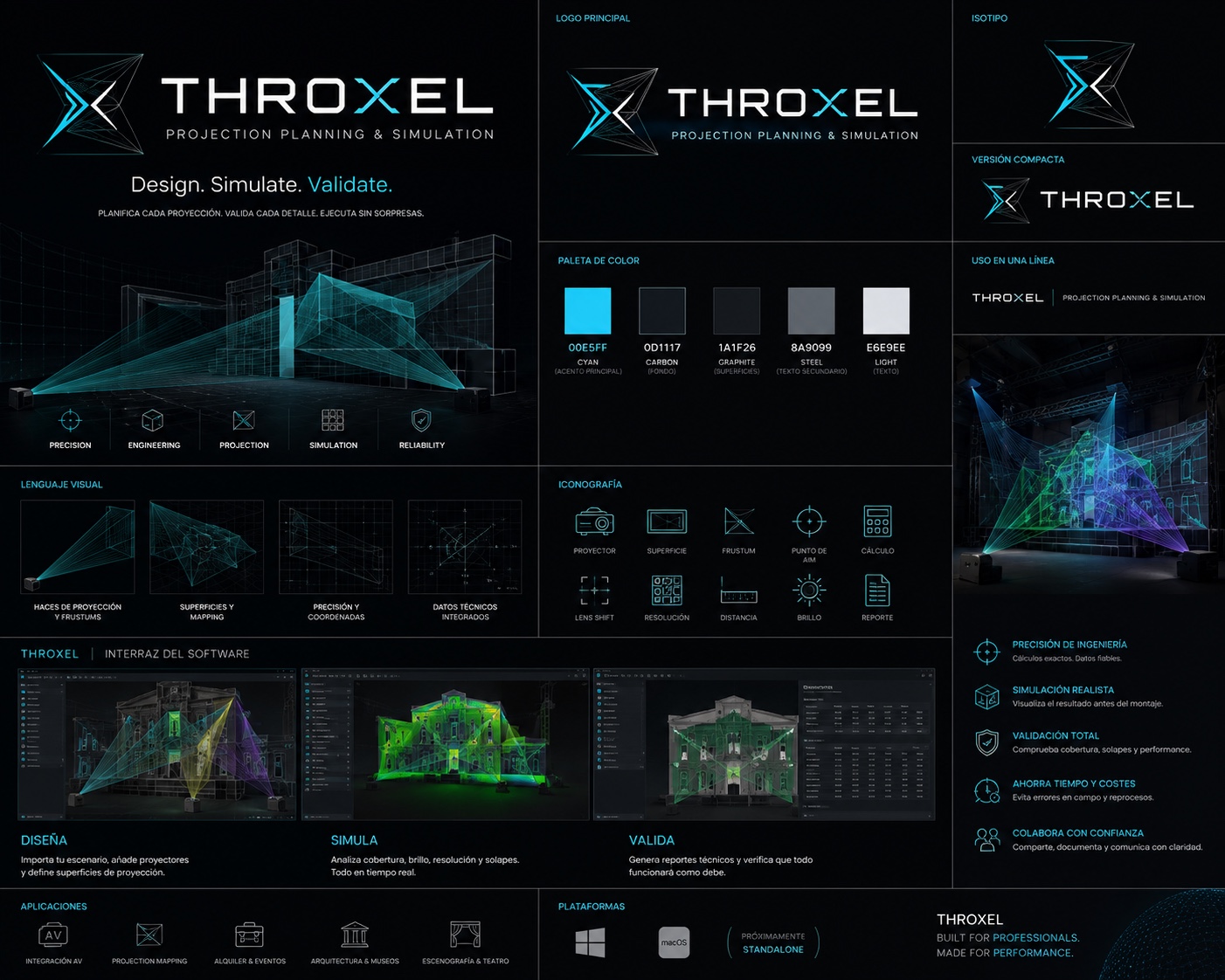
A Windows PC running Disguise, PIXERA, or Resolume handles playback and output mapping; spec it by output count and codec, not CPU marketing. A Synology NAS holds your content and feeds the server over the network. THROXEL sits before this stage: it plans the projection geometry in 3D so you validate throw, coverage, and overlap before showtime, at EUR 29/month with a 7-day trial. We cover the NAS setup later in this guide, and you can read more on the THROXEL blog.
Network, cabling, and mounting hardware
| Item | What to check |
|---|---|
| Projector mounts | Weight rating, lockable adjustment |
| Cabling | HDMI/SDI or fibre runs, length limits |
| Network | Gigabit switch, static IPs for server and NAS |
| Control | DMX or network trigger for show start |
Rig mounts to structural points, not ceiling tile rails, and label every cable run against your plan before load-in.
How do you choose projector brightness, resolution, and lens for a mapped room?
Brightness and ambient light
Start with ambient light, not the projector. A fully blacked-out room can run on roughly 4–6 lumens per square foot of surface; a space with uncontrolled spill needs two to three times that. Work out your surface area first, then divide total lumens across the projector array. On a curved or domed surface, keep per-projector output even so edge blending zones don't show a brightness step at the overlap.
Lens selection and throw distance
Throw ratio decides where projectors physically mount. Short-throw lenses (below ~1.0:1) suit tight rooms and reduce shadows, but they exaggerate warp corrections at the edges. Long throws give flatter coverage and easier blending, if you have the room behind the audience. Check lens shift range before committing: it buys mounting tolerance without relying on digital keystone.
Model the geometry before you order lenses. THROXEL simulates throw distance, coverage, and overlap per surface so you can validate the array against the media server's warp and blend limits before load-in.
How much does a full immersive room projection installation cost?
Budgets swing widely, so treat these figures as illustrative line items, not quotes. A small room with three projectors might land around EUR 12,000–20,000: roughly EUR 2,500–4,000 per projector plus lenses, EUR 1,000–2,000 for mounting and rigging, EUR 2,000–4,000 for a media server or NAS, and EUR 1,000–3,000 for cabling, screen or paint treatment, and contingency. Software is a smaller line: THROXEL runs EUR 29/month or EUR 290/year, and a Synology NAS for the content pipeline starts near EUR 500–800 for the unit plus drives.
Small room budget example
For a three-projector flat or gently curved wall, plan the array first. Throw distance and lens ratio drive which projector models qualify, and a wrong lens spec is the most common budget surprise. Simulating the geometry before purchase with THROXEL's planning features costs less than one re-ordered lens.
Where costs escalate
Past six projectors, costs climb nonlinearly: more warp/blend processing, brighter or laser units, custom geometry for domes and architectural surfaces, and more on-site calibration hours. Media-server licensing on Disguise-class systems can exceed the projector budget. For the NAS content pipeline, budget setup time too; Synology's DSM documentation covers shared folders and SMB configuration for serving content.
How do you set up a Synology NAS as a media server for projection content?
Initial DSM configuration
After physically installing the NAS, browse to its IP and run DSM's setup wizard, which installs the latest DSM version and creates an admin account. Set a static IP or DHCP reservation on your router, because the media server PC will reference this address permanently. Disable services you won't use, and leave media indexing off: indexing wastes CPU on show files that are accessed by exact path, not searched.
Shares and SMB for the media server PC
Create one shared folder per show or project, then enable SMB in Control Panel > File Services and create a dedicated user account with read/write access only to those shares. On the Windows media server PC, map the share as a drive letter (e.g. Z:\SHOWNAME) so your media server project files reference a stable path that survives reboots and IP changes. This matters more than it sounds: if you hand the setup to a Disguise, PIXERA, or Resolume operator on site, a UNC path like \\NAS\SHOWNAME or a mapped drive behaves consistently across machines, while a local copy that drifted out of sync does not. For playback, a 1GbE link typically carries multiple 4K video streams from a NAS without stutter, but if you push very high-bitrate content, connect the NAS and media server PC to the same switch and consider a 2.5GbE or 10GbE NIC on the PC side. Test playback of your heaviest files over the network before showtime, not on site.
Backup and redundancy
Enable a scheduled Hyper Backup or snapshot task so a deleted show folder is recoverable after load-in. For touring rigs, keep a second copy on a portable SSD the media server PC can read directly if the NAS is unavailable. THROXEL's projection geometry files are small, but version history matters when a client changes the room layout; recent updates are listed in the THROXEL changelog.
How do you plan edge blending and warping across multiple projectors?
Overlap and blend math
Start each projector pair with 15–25% overlap, then set the blend ramp so luminance sums to a flat field across the seam. Your throw ratio and lens shift decide whether that overlap is even achievable: a short-throw lens on a curved wall can push adjacent footprints apart or stack them unevenly. Compute per-projector coverage against the mesh before you commit to lens orders, because swapping a lens on site costs a day.
Warp workflow comes next: build the projection geometry flat or curved, generate warp and blend per projector, then export to your media server so on-site work is limited to fine alignment.
Planning tools compared, including where THROXEL falls short
VIOSO ProjectionTools covers simulation, calibration, and camera-based auto-alignment in one package, and VIOSO Experience Designer targets the same planning space. Disguise Mapping Matter handles photometric planning inside the Disguise ecosystem, which pays off if you already run Disguise Designer.
THROXEL (EUR 29/month, 7-day trial) plans projection geometry, simulates it in 3D, and validates the install before load-in at an individual price. It falls short honestly: no auto-calibration hardware pipeline, no photometric rendering on Mapping Matter's level, and no user reviews yet to back it. If you need camera-based alignment on site, ProjectionTools is the safer spend; if you need geometry validated before showtime without an enterprise licence, THROXEL covers that gap.
What installation and calibration steps happen on install day?
Work in this order: physical alignment, geometry, warp and blend, test content, handoff. First, rig and aim each projector so throw distance, lens shift, and tilt land close to your plan before touching software. Rough alignment on the rig saves an hour of warping later.
Next, set projection geometry per projector: assign screens (flat, curved, dome), confirm throw ratio and lens match, and check coverage across the array. Tools like VIOSO Experience Designer handle this projection-mapping workflow with automatic calibration, which speeds up multi-projector installs compared with manual warping.
Then build warp and blend: mesh-align each projector to the surface, set overlap widths, and balance blend gamma until the seam disappears on white. Test with real content, not just grids — motion and skin tones expose blend bands that test patterns hide.
Finally, export the calibrated setup to your media server and verify outputs match your mapping before showtime. Keep a copy of the project file for the next load-in.
Which vendors and integrators should you shortlist for an immersive room build?
Shortlisting criteria
Shortlist three layers separately: projector brands, the media-server ecosystem, and planning software. For projectors, rank by lens availability first, since a lens that covers your throw ratio and lens shift range matters more than lumens on a spec sheet. For media servers, pick the ecosystem you already operate, whether that is Disguise, PIXERA, or Resolume, because output cards and warp settings do not transfer between them.
For planning software, test whether it handles your geometry, flat, curved, dome, or architectural, and exports something your media server accepts. VIOSO ProjectionTools and Disguise Mapping Matter are the established options; THROXEL covers the same planning-to-simulation job at EUR 29/month for individuals, though it has no public user reviews yet.
Before committing budget, run a feasibility study: model throw distances, overlap, and edge blending in software, verify against manufacturer calculators, then do a single-projector bench test on site before ordering the full array.
FAQ
Can I use a Synology NAS to play content directly instead of a dedicated media server?
No. The NAS stores and serves files over SMB; actual playback, output mapping, and warping need a media server PC running Disguise, PIXERA, or Resolume. Keep the roles separate: map the NAS share as a drive letter on the server PC, and test playback of your heaviest files over the network before showtime.
How much projector overlap do I need for edge blending in an immersive room?
Start with 15-25% overlap between adjacent projector pairs, then set the blend ramp so luminance sums to a flat field across the seam. Whether that overlap is achievable depends on your throw ratio and lens shift; short-throw lenses on curved walls can push footprints apart unevenly, so compute per-projector coverage before ordering lenses.
Do I need warp and blend hardware, or can the media server handle it in software?
For most small and mid-sized arrays, software on the media server handles warp and blend, which is why you should spec the server by output count and codec before buying projectors. Past six projectors, processing demands grow nonlinearly and dedicated warp/blend hardware or Disguise-class licensing can exceed the projector budget, so budget this layer first.
What resolution projector do I need for a dome versus a flat wall?
A dome needs more total pixels because the surface wraps the audience, so you spread a higher pixel count across more projectors and blend zones, where resolution loss at seams becomes visible. A flat wall is simpler: match pixel density to viewing distance and keep per-projector output even so overlap zones show no brightness step.
Is projection planning software worth it for a small two- or three-projector room?
Yes, because a wrong lens spec is the most common budget surprise in a small build. Simulating throw distance, coverage, and overlap before purchase costs far less than re-ordering one lens or losing a calibration day on site. THROXEL runs EUR 29/month with a 7-day trial, and VIOSO ProjectionTools covers larger or calibration-heavy installs.